Compare the two sounds in the word pair
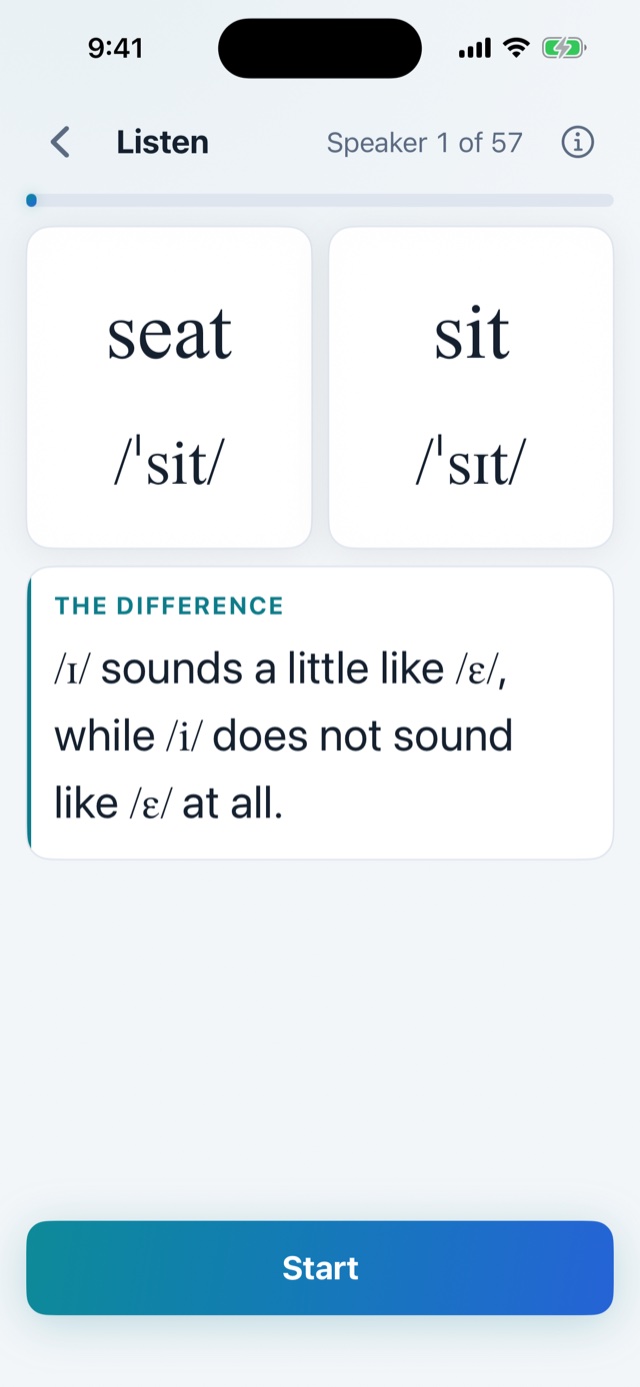
Everything in the two words is the same except the two sounds. Focus on those two sounds, and listen for every difference you can hear between them.
 Listen2Words
English listening practice
Listen2Words
English listening practice
Listen2Words trains your ear with American English minimal pairs: words that differ by one sound, such as seat and sit. Listen across many voices, discover what separates the two sounds, then test until you can hear the difference quickly and reliably.
Everything matches except one sound.
Open Vowels or Consonants and choose one American English contrast, such as /i/ – /ɪ/.
Start with the free word pair, or choose another unlocked word pair inside the same sound pair.
Hear each speaker say both words. Finish at least one full round and look for the difference that keeps returning across voices.
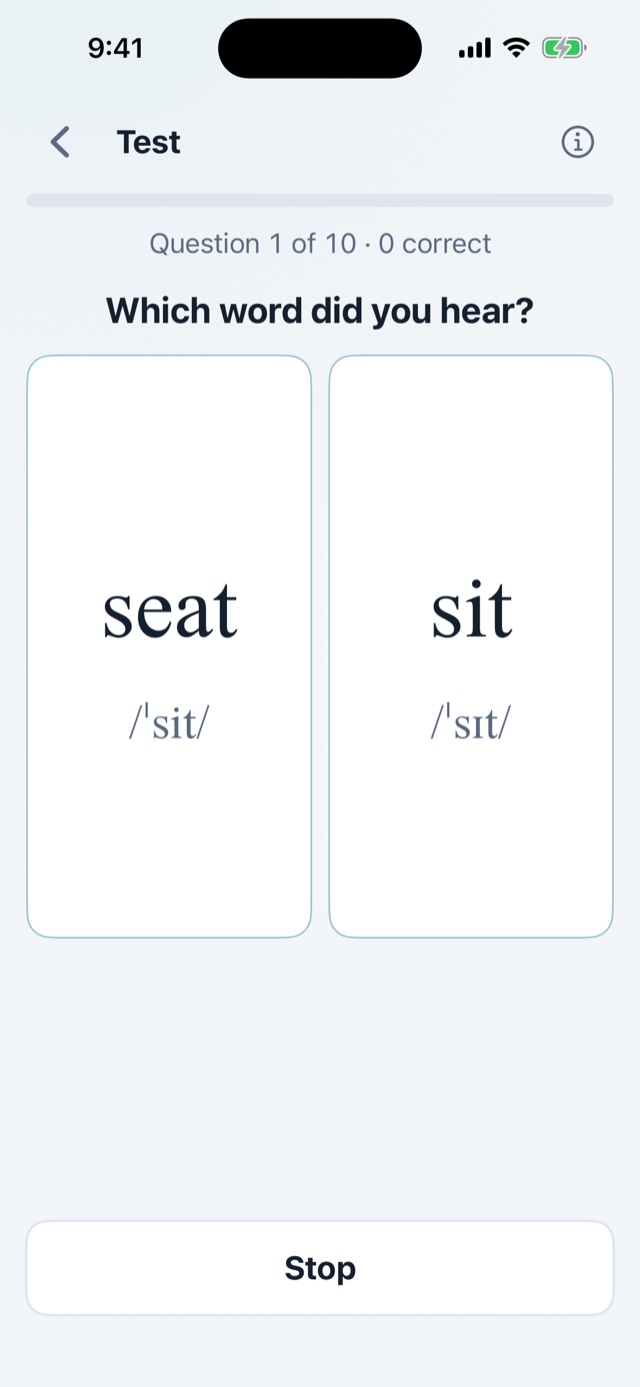
One word plays. Choose the word you heard as soon as you know it, using the difference you caught in Listen.
Pass the current word pair, then repeat Listen and Test with the next word pair inside the same sound pair.
Back to 03 for each new word pair
After passing every word pair, the mixed test mixes them all to check that you hear the sound contrast, not just one pair of words.
Choose the next contrast and build another clear, reliable sound difference in your ear.
Back to 01 with a new sound pair
Everything in the two words is the same except the two sounds. Focus on those two sounds, and listen for every difference you can hear between them.
Each speaker says the two sounds a little differently. Find the differences that all the voices share — those are the real ones.
Try to finish at least one full Listen round — every voice, to the last recording. Somewhere in the middle, you will start to form a theory: which differences tell the two sounds apart? Use the rest of the round to test it.
The Listen screen first shows what to listen for. After three full rounds, it can name the difference directly — often by comparing both sounds with a third, familiar sound. Use the tip as a temporary clue; direct recognition across speakers is the goal. You can adjust the Listen pace — shuffle, the pauses, and plays per speaker — in Settings.
One word plays, and it repeats until you answer. Pick the word you heard as soon as you know it — do not wait for the next play.
Depending on your Test settings, a missed word can return up to two more times later in the same test. Missed words also come back more often in future tests.
The Test card in Settings controls this pace: how many times a missed word can return in one test, the pause between repetitions, how long the correct answer stays visible, and how many replays follow a correct or missed answer.
Pass a word pair: get every answer right in three tests in a row, averaging under half a second per answer. The clock starts when the word finishes playing the first time, so decide fast.
Every sound pair includes one free word pair. An optional one-time purchase unlocks the remaining word pairs and the mixed test for that sound pair. There is no subscription.